Writing & Editor
Format with portable Markdown
Selection-aware formatting keeps Markdown portable, with title and body editing plus direct controls for folders, importance, pinning, and reminders.
Independent Native iOS App
Note Nest connects notes, folders, formatted writing, and local reminders in a private iOS workspace with on-device storage.
Project Origin
Note Nest began as a deliberate effort to bring the iOS concepts I had developed into a substantial native application. Coming from other languages and frameworks, I wanted to work through Apple's declarative UI, state management, persistence, and system-integration patterns within a larger project rather than through isolated examples.
I deliberately chose a familiar notes product so the product idea would not distract from the engineering. The goal was to independently design and structure a cohesive native application, write tests for its critical behavior, refactor its architecture, and continue evolving it.
The Problem
Notes preserve the thinking behind an idea, while reminder apps preserve its next action. Split across separate tools, the context and its time-sensitive follow-up can drift apart.
The Solution
Note Nest lets users write, organize, and schedule a local reminder from the same note, keeping context and action connected.
Product Structure
At compact width, a folder-first NavigationStack leads from folders to note lists and detail. At regular width, the same content becomes a two-column NavigationSplitView. Reminders, importance, and pinning stay attached to notes, while Settings remains a secondary toolbar destination.
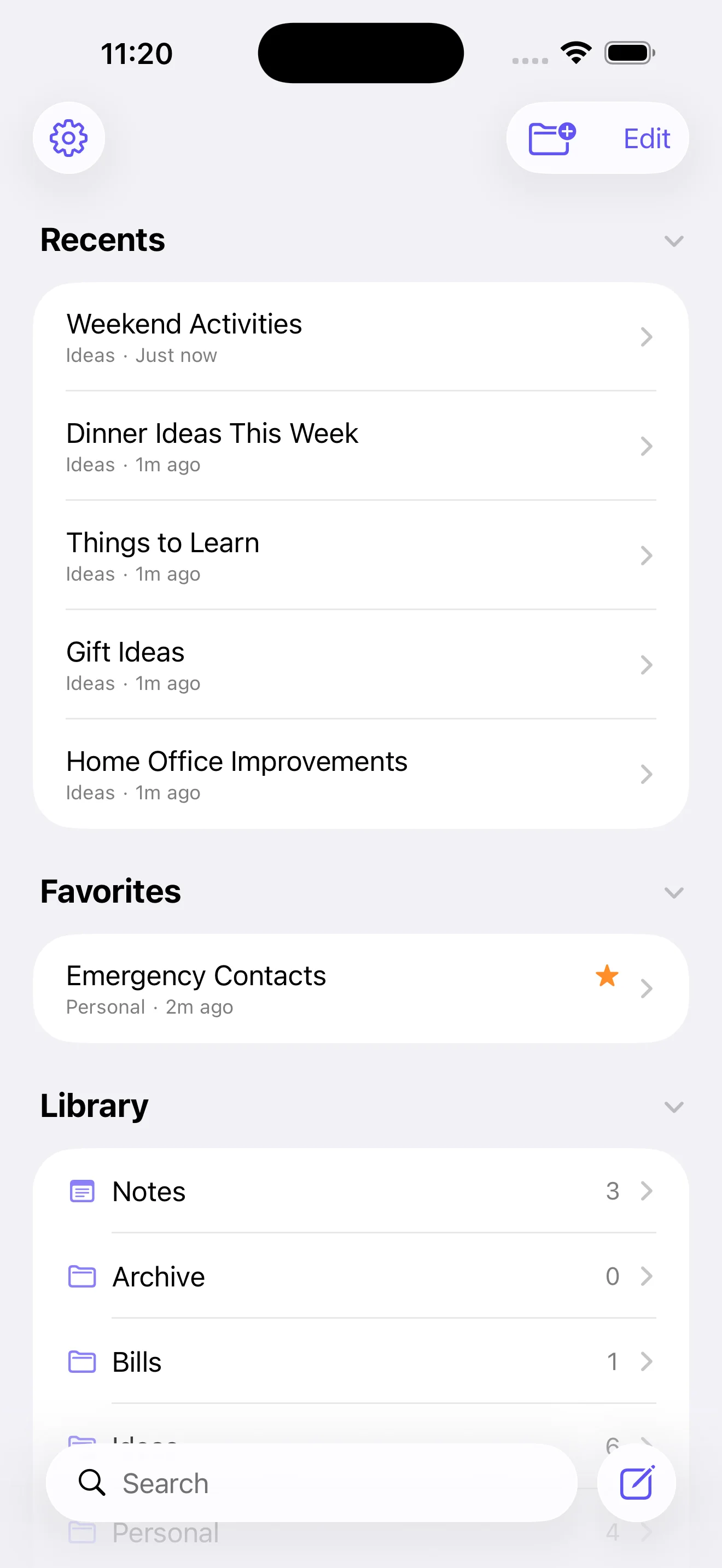
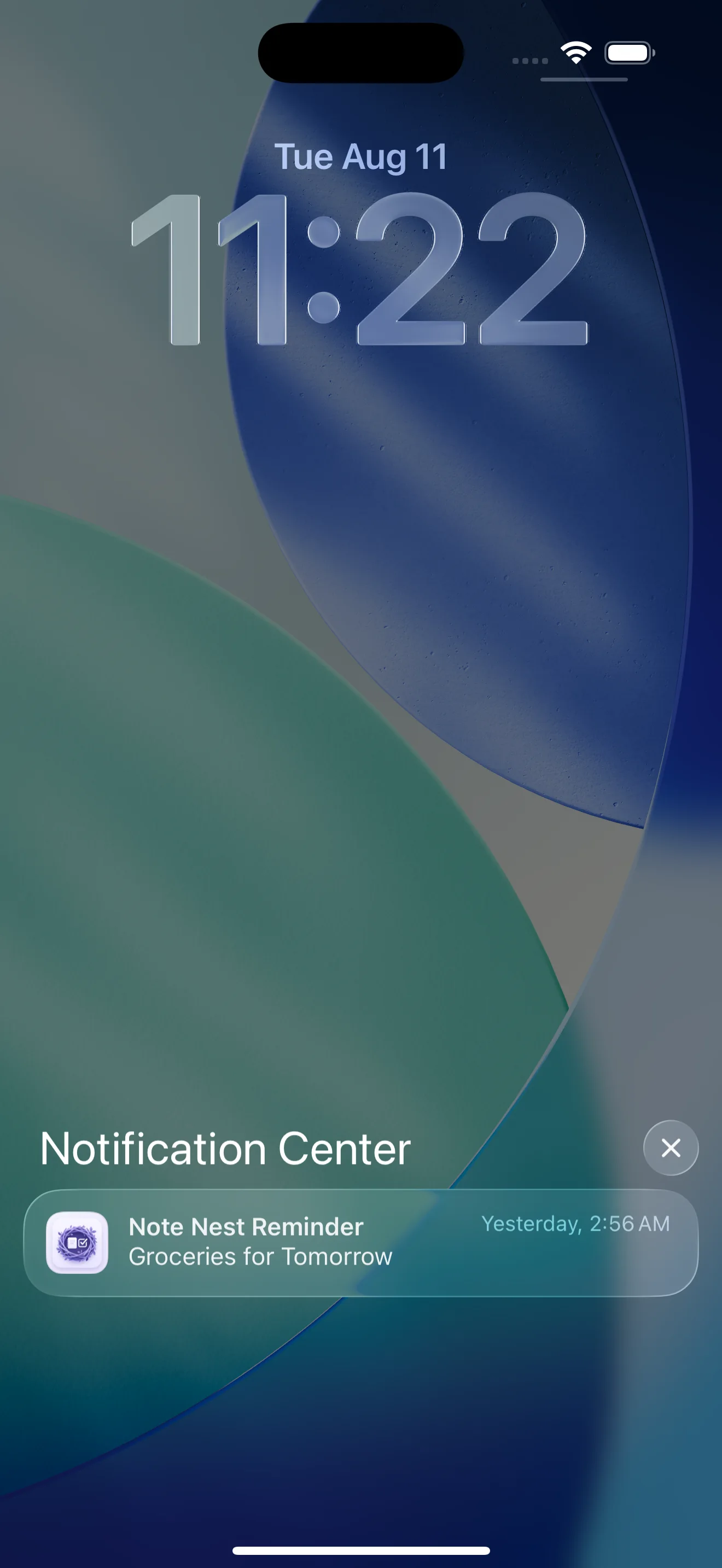
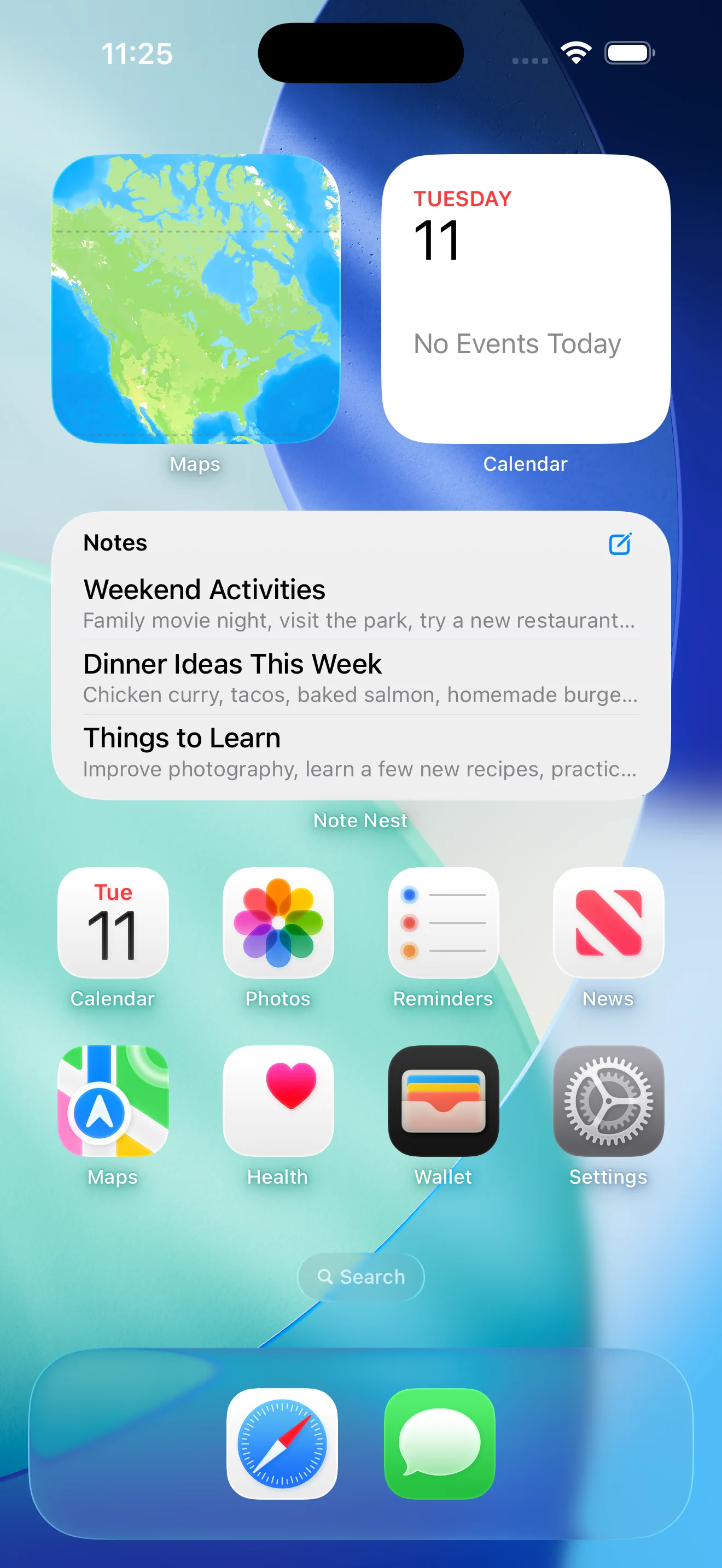
Writing & Editor
Selection-aware formatting keeps Markdown portable, with title and body editing plus direct controls for folders, importance, pinning, and reminders.
Organization & Recovery
Folders, unfiled notes, Recents, Favorites, sorting, bulk actions, undo, and 30-day Recently Deleted recovery keep larger libraries manageable.
Local Reminders
Permission handling, scheduling, rescheduling, cancellation, relaunch reconciliation, and deep links keep local notifications aligned with their notes.
Apple System Integration
App Intents support capture, search, and opening notes, while Core Spotlight indexing routes system search results into the matching note.
Privacy & Offline Design
Note Nest was intentionally designed as a local-first application. Notes, folders, settings, and reminder information remain on the user’s device unless the user intentionally exports a copy.
Works without registration or user identity.
No cloud API or server dependency.
No telemetry or behavioral tracking.
Built entirely with native Apple frameworks.
Architecture & Persistence
SwiftUI views own presentation state, stateless use-case types coordinate workflow rules, and repositories provide focused SwiftData operations. First-party service boundaries handle notifications and Spotlight indexing. The use-case layer stays stateless because SwiftData's @Query already owns live data, avoiding a second source of truth and keeping operating-system coordination outside the persistence layer.
Interface Layer
Capture intent and present explicit loading, validation, permission, and recovery states.
Workflow Layer
Validate drafts and coordinate note, folder, and reminder lifecycle rules without holding a second source of truth.
Persistence Layer
Store notes and folders locally through focused data operations and a versioned schema contract.
Platform Boundary
Coordinate local reminders, system search, App Intents, and deep routes through first-party frameworks.
Persistence Strategy
Beyond storage, the data layer defines how mutations fail safely and how content remains recoverable. Its reliability rules cover folder relationships, failed-write rollback, reversible deletion, and explicit store recovery.
Notes can remain unfiled. Deleting a folder clears its note relationships instead of deleting the notes.
Repositories centralize SwiftData mutations and roll back the model context when a save fails.
Removing a note records a deletion date, enabling undo, restore, and automatic purge after 30 days.
A frozen initial schema establishes a versioned data contract. If the store cannot open, Note Nest presents retry and confirmed local reset paths.
Reminder Lifecycle
Saving a reminder requires coordination between the persisted note and its scheduled local notification. Note Nest handles scheduling, rescheduling, completion, deletion, relaunch reconciliation, and notification-tap deep routing while allowing persistence and system delivery to report separate outcomes.
Enforces required titles and future date requirements when reminders are active.
Saves writing content, folder association, importance flags, and reminder timestamps.
Schedules, updates, or cancels the system alert matching the stable note identifier.
Restores missing alerts on launch and deep-links directly to notes tapped from notifications.
Testing & Quality
The XCTest source covers persistence, editing, recovery, search, folders, trash, Spotlight, and notification lifecycle behavior. Several cases were added after an August 2026 source review identified potential edge cases and failure paths.
These checks describe implemented test source, not verified passing coverage. The current native revision has not yet been compiled or executed.
Data & Recovery
SwiftData bootstrap, frozen schema contract, recoverable store failures, and versioned JSON export fidelity.
Folder Lifecycle
Folder deletion, unfiled-note reachability, bulk actions, undo, and 30-day Recently Deleted behavior.
Editor Fidelity
Rich-text formatting and Markdown round-trip across editor, storage, preview, and detail rendering.
Search & Indexing
App-wide search semantics, diacritic matching, and the fields published to Core Spotlight.
Reminder Lifecycle
Reminder scheduling, cancellation, reconciliation, partial failures, stable identifiers, and deep routing through test doubles.
Retrospective
Persistence failure options, notification retries, and destructive confirmations belong in the application UI, not hidden in logs.
A saved note should remain persistently stored even if notification permissions are denied or scheduling encounters a system delay.
Building the native app is only part of software development: privacy policies, support routes, data migration, testing, and distribution setup complete the product.
A structured source review identified behavior the existing assertions did not cover, including export fields that were never checked. A model change is not complete until persistence, export, rendering, and the assertions all move with it.